A research partner
Compare your options.
Explore a question, compare options, and pull the useful details into a brief.
A brief to try
“Compare these options and give me a shortlist with sources.”
A personal AI team · Early access for Mac
Create AI teammates to research a decision, write a first draft, or plan a project. Give each one a role, choose its model and tools, and work together in chat.
Apple Silicon & Intel. Connect your own AI provider.
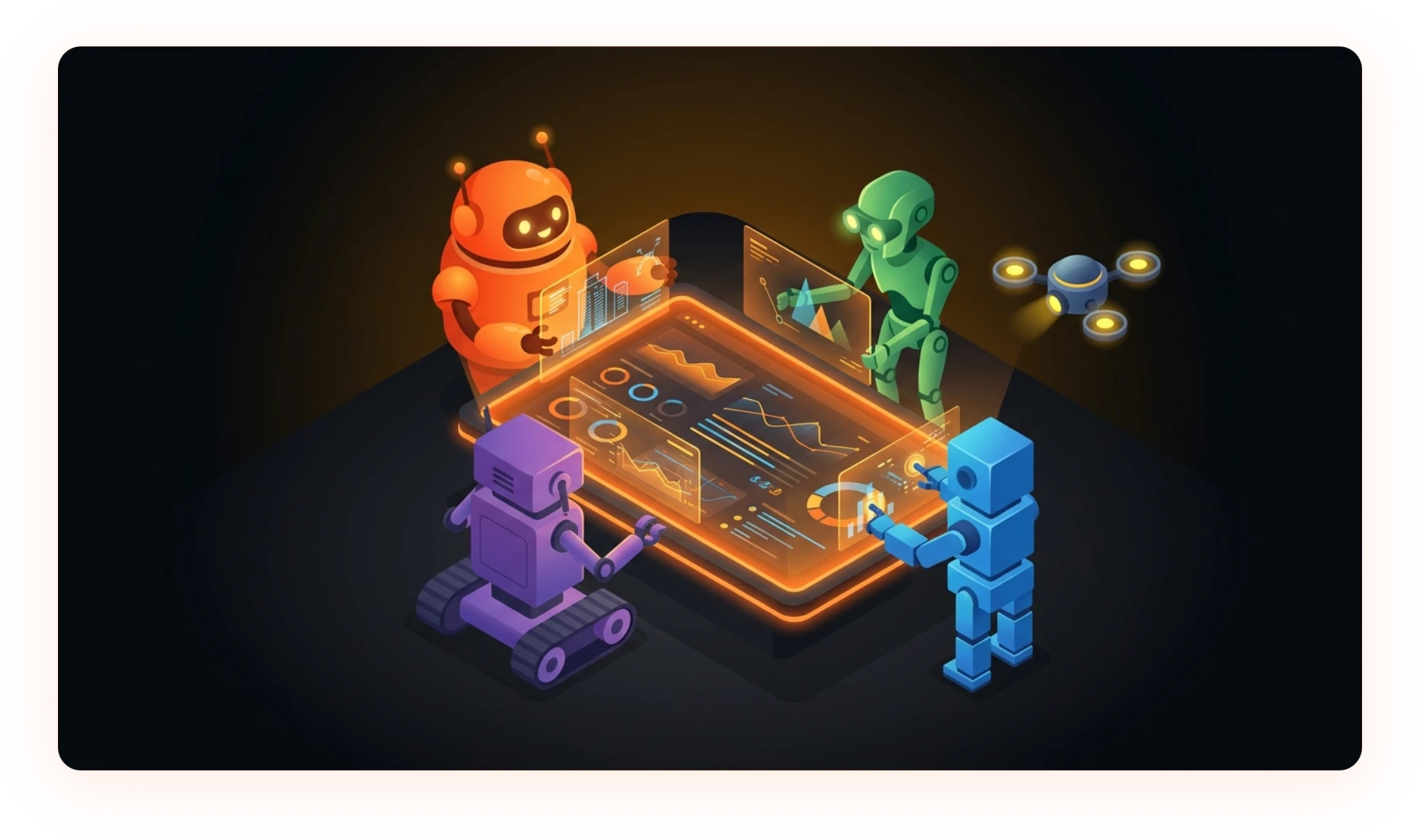
Put your squad to work
Start with one teammate for a task you do often. Add others when you need a different kind of help.
A research partner
Explore a question, compare options, and pull the useful details into a brief.
A brief to try
“Compare these options and give me a shortlist with sources.”
A writing partner
Turn rough notes into a first draft, then work together to make it sound like you.
A brief to try
“Turn these notes into a clear update for the team.”
A project partner
Break a brief into tasks and keep track of the work that needs your attention.
A brief to try
“Help me turn this project brief into tasks and next steps.”
How your squad works
For a bigger task, an agent can delegate parts of the work to helpers. Follow their activity in chat, review their work, and guide the next step.
You
Help me plan the launch. Research the options and draft an announcement.
Your agent brings in help
Research helper
Compare the options and gather sources.
Writing helper
Shape the brief into an announcement draft.
Their work comes back to the conversation. You review it and decide what happens next.
FLEXIBLE AI
Connect a supported account or bring an API key. Choose the models that fit each teammate's work.
Use your own API key with these providers.
OpenRouter
Connect OpenRouter to choose from a wider model catalog with a single API key.
Model access and usage charges depend on your provider account.
GET STARTED
Give it a task you already need to do. Build your squad from there.
Get the Mac app for Apple silicon or Intel. Open it to set up your first teammate.
Sign in with a supported AI account or add an API key from your chosen provider.
Give your teammate a name and a role, choose its model and tools, and start a conversation.